Posts

Showing posts with the label termux

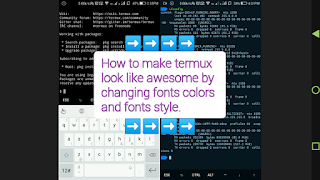
How to change fonts/Colors in termux app.
Image
In this article you make Termux look great by changing font color, Font Style type below commands apt update && apt upgrade apt install curl  -sh -c "$(curl -fsSL  https://github.com/Cabbagec/termux-ohmyzsh/raw/master/install.sh)" wait until installing and select option according to your choice. Ex: type  0   Now exit termux and start again Almost setup completed only give command for a task. Example:- Type :- ~/.termux/colors.sh  (To change color scheme)  ~/.termux/fonts.sh  (To change font)  :-Demo with Live video-: Enjoy!  Don't forget to subscribe...
[Termux] ... How to Remove termux Welcome screen Text

Image
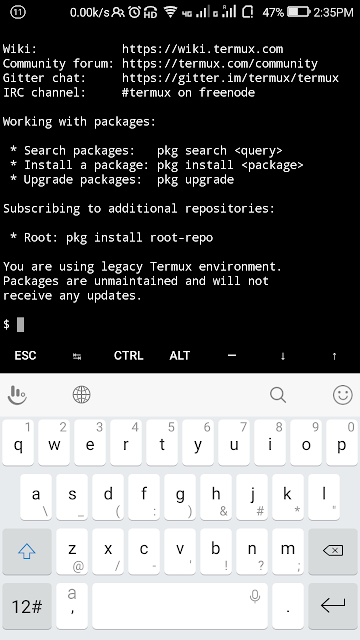
What is Termux ? Termux is Emulator with linux interface for Android OS. This emulator allows to use the command line interface with existing graphical environment. If you have studies cs (computer science), its most compulsory to know the CLI (Command Line Interface) . In this app you required a perticular tool to perform any task and here every action based on command, When you open Termux app, you will see a screen with some information in text format. This information is not waste nor most important, it can be called like suggestions or references for examples:- 1) Wiki : it is a website that contains information about termux and termux components  2) Community forum : by going this link you can discuss your problems and share your suggestions. 3) Gitter Chat : here you can chat with xperts. And much more... To remove above text run below commands, How to Remove termux Welcome screen Text ? Open app and run below commands  Type cd .. ...